
Photo Context Required
It is visible that there is a Generative AI touch, and quite big is the work it has done. But the woman has been generated from a photographic session I did in 2014 at my studio in Rome, so the model is a real person, but unrecognizable. The data and graphs are based on a training session I ran a few days ago.
Just revealing: AI-hype is a series of instruction and a corpus transformed into a vectorized lottery.
This is a `voice log`, so not much code will be exposed directly, but a link to working examples is provided at the end of the log.
Wrong Parameter for such Small Corpus
The header image shows the parameters used for pre-training, along with the duration of both the pre-training and fine-tuning sessions.
Applied to a 6MB corpus, those parameters did not make the model better. They ruined it.
I have no expertise here, only a `skill issue` with AI training.
But after the first tiny model, I saw low hardware usage, so I pushed it to the limits, thinking `more resources` meant a better outcome.
Completely wrong assumption.
The graph below shows what happened when I squeezed the hardware: at step 3500, the model was ready to move to the fine-tuning stage.
What I understood the graph says.
[step 3500]
train loss -> 0.5133
validation loss -> 0.9332

[20000]
train loss -> 0.1964
validation loss -> 1.4557
`Validation loss` is the main value to keep under the watch.
At step 3500, it stopped improving, and that would have been the right time to stop pre-training and move to fine-tuning.
`Train loss`, instead, kept going down, which looked good at first. But basically, the model was memorizing the corpus, not getting better at generalizing the next-character guess.
This has been fixed in the provided example: a small corpus needs the right settings to train a `.safetensor` and make it ready for fine-tuning.
Prompts Matter
I prompted `Opus4.7` to rewrite a helper function for `zsh`, because of the many custom key bindings I have set on my machine.
The outcome shows how advanced Anthropic's training and fine-tuning are, especially when compared with the samples from my own training test.
❯ In the key_bind section, keep the first column narrow and aligned.

Long descriptions should wrap onto the next line,
indented under the description column, not under the key combination.

Example target format:

  Ctrl+b        :Buffers — fzf buffer switch
  Space+a       LSP code action / apply ⇣
                suggestion (harper fixes)

Also add ANSI styling/colors to the rendering function.
`Opus4.7` can do much more than shell scripting for you. definitely much more.
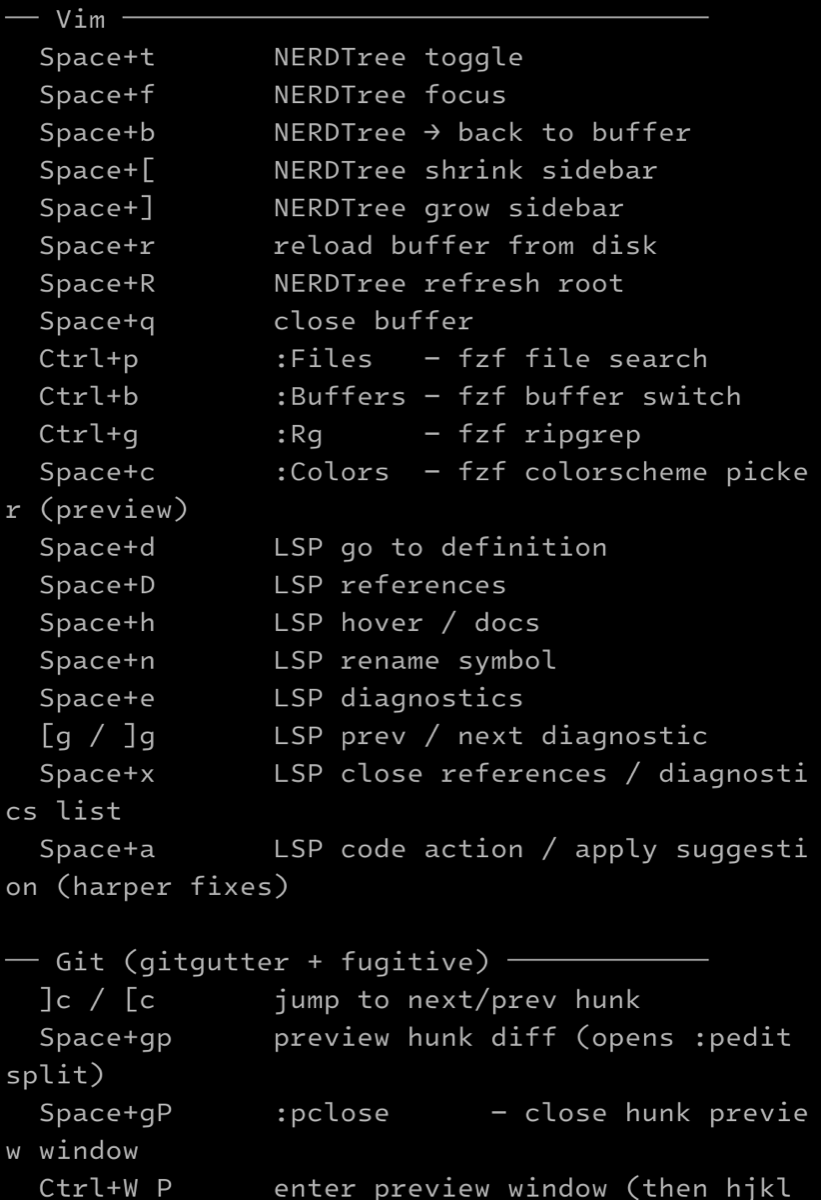
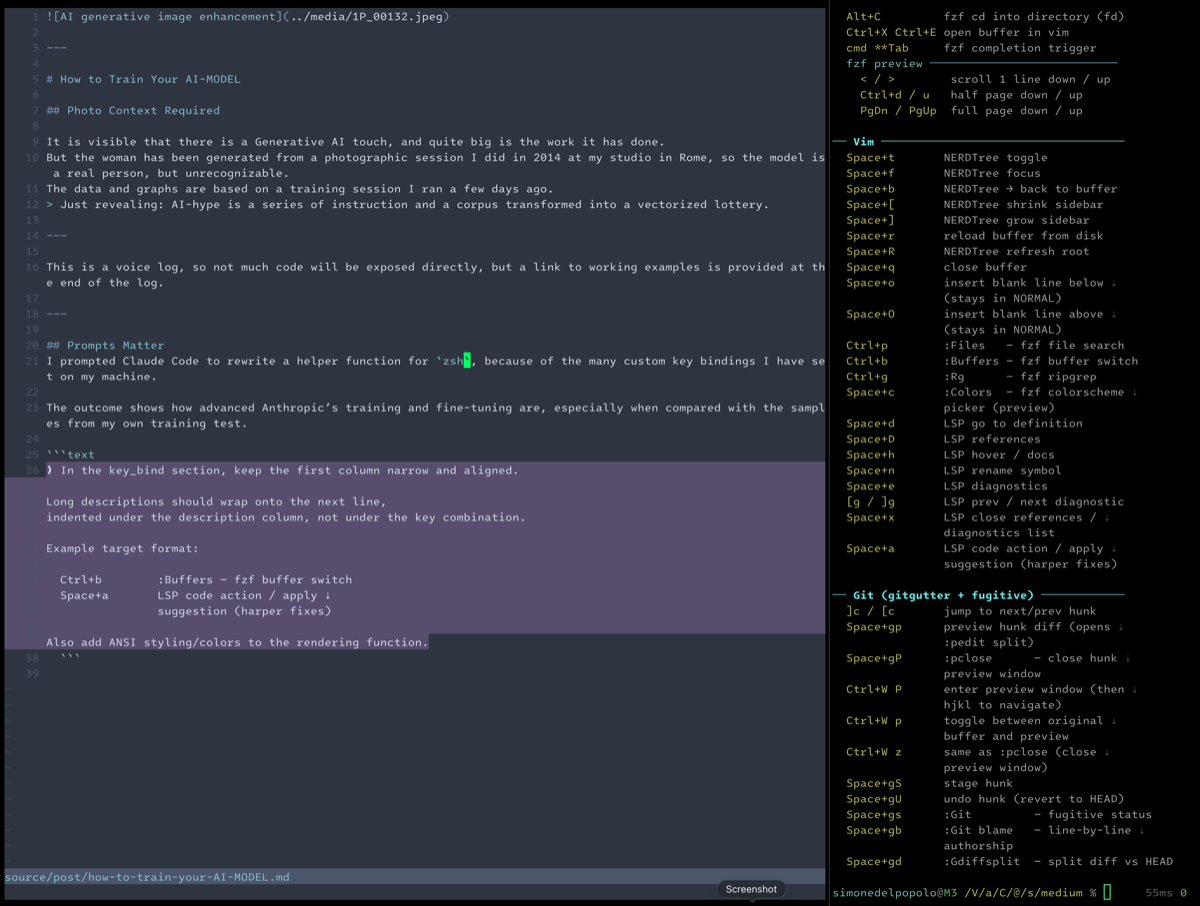
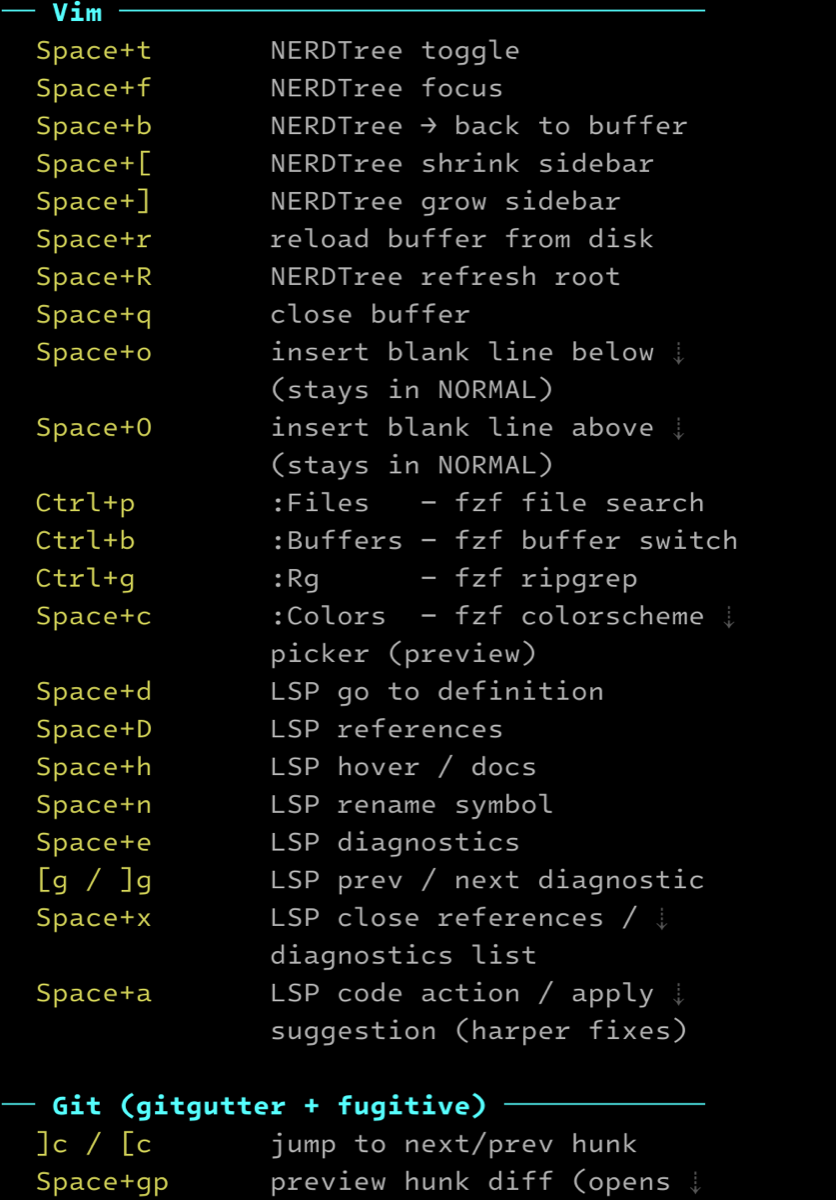
the result of a good trained model based on a very simple prompt.
Anthropic's training stands eons far away from this tiny model.
The tiny model is there to show how things really are. as I said:
Just revealing.
The first part pre-trains our tiny model on one book, and only one.
The fine-tuning stage then takes the best .safetensor produced by that pre-training phase and trains it again for a more specific behavior.
The fine-tuning gives the model a basic ability to understand negation and answer questions, but due to the heavy constraints of the hardware I am working on, those Q/A will still look almost pre-shaped.
repeat, revealing. close the `log`
Working training examples.
The working code examples are available here: The Tiny Model